Silent coworking: how to cowork without talking
Silent coworking means working alongside other people on video without having to talk. Here's why people choose it, how quiet rooms work, and how to take part on Crews without saying a word.

Plenty of people want the company of a coworking room without the small talk. They want to see other people working, know someone would notice if they drifted, and then get on with it. Silent coworking is that: you join a video session, you work, and nobody expects you to speak.
What is silent coworking?
Silent coworking is a shared work session where talking is optional or absent. Everyone joins the same video room and works on their own thing. Having other people there does the rest.
Some sessions are fully silent, with check-ins written in a chat. Others have a short spoken check-in at the start and end, with quiet focus in between, and let anyone who'd rather not talk stay quiet the whole way through.
Why cowork without talking?
People choose quiet sessions for all sorts of reasons:
- Talking takes energy. Some days you have enough for the work but not for introductions.
- Your surroundings don't allow it. You're in a shared office, a library, a café, or a home where someone is sleeping.
- You don't want to break your concentration. Speaking pulls you out of your head, and getting back in can take a while.
- You're new. It's easier to watch how a room works for a session or two before joining in.
- You just prefer it. Some people focus best in company that's present but quiet.
You don't owe anyone a reason. A good room treats staying quiet as normal.
How quiet rooms work
A silent or mostly silent session usually has three parts.
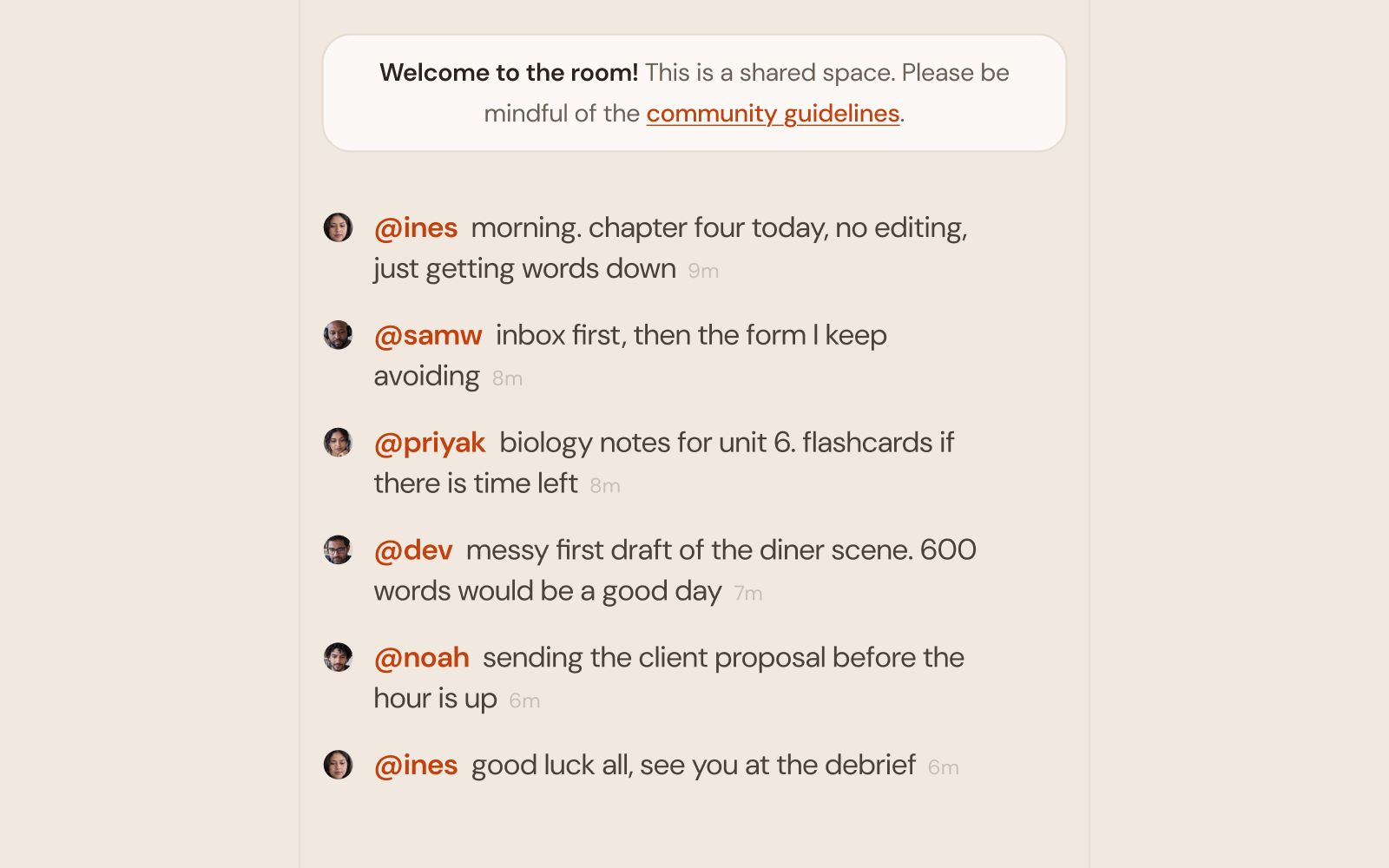
A check-in, written or spoken. Even in a quiet room, it helps to say what you're working on. In a silent room this happens in the chat: one line with your goal.
Long stretches of focus. This is the heart of it. Mics are off, heads are down, and the only sound might be some music.
A short check-out. At the end, people share how it went, in the chat or out loud depending on the room.
The quiet doesn't mean nobody is there. Seeing other people working, or noticing someone post their goal, is often enough to keep you on track.
Camera on or off?
Both are fine. Some people find a camera keeps them honest; others find it distracting or simply don't want to be on screen. A good coworking space leaves that up to you and never pressures anyone to turn theirs on.
If you do keep your camera on, set up the way you would in a shared office, with nothing in view you wouldn't be comfortable sharing with the room.
Tips for your first silent session
- Write your goal in the chat at the start. It's your check-in, even without speaking.
- Keep your mic off unless it's time to talk. Background noise travels further than you think.
- Let the chat wait. A quiet room is for focus. Replies can wait for the break or the end.
- Post a quick update at the end. Even "got halfway" counts.
- Come back to the same sessions. Quiet rooms feel friendlier once you start recognizing the people in them.
How to cowork without talking on Crews
Crews is a virtual coworking app, and staying quiet is built into how its rooms work. There are two you can count on, a chat-only session and Silent mode, and you can choose differently each time.
Chat-only sessions
Some sessions are set up as Chat only: mics are off for everyone and check-ins happen in the chat. Cameras are your choice. If you want a whole room that doesn't talk, look for these.
Observer seats
When a verbal session's verbal seats are full, or you arrive after the first 10 minutes, you're offered an observer seat if one is open. An observer seat has no mic. You work alongside the room without speaking, and your camera and chat are still yours. Most rooms have only a few, so don't plan around getting one.
Observer seats are also how people come in a little late. After the first 10 minutes of most sessions, new arrivals join as observers, as long as the host has allowed observers and there are seats open. The first-session guide has the full rule: what happens if you're late.
Silent mode, on a verbal seat
A verbal seat has a mic for the check-ins and the debrief. But if you've booked one and today isn't a talking day, switch on Silent mode. You skip the next spoken check-in and check in by chat instead, and you can still hear the room. It turns itself off after that round, so it's there when you need it and out of the way when you don't.

Quiet during focus, whichever seat you have
In verbal sessions, mics go quiet when focus starts, so the long stretch in the middle of a session is silent whichever seat you hold. You can go further with Go deep, which turns off chat sounds and pings for you until you turn it off. And if the host is playing music, you set its volume for yourself. Silent mode and Deep focus are two of the modes in a Crews session.
Camera and mic are your choice
The Crews community guidelines say it plainly: nobody is required to be on camera or unmuted, and nobody should pressure anyone else to turn theirs on. You can switch your camera off in the lobby before you even enter the room.
FAQ
Is silent coworking still useful if nobody talks?
It can be. Working alongside other people is the point, and conversation is optional. Writing your goal at the start and an update at the end gives you the accountability without the talking.
Can I join a Crews session without a microphone?
Yes. Book a chat-only session, or book a verbal seat and switch on Silent mode. If you're offered an observer seat, that has no mic at all.
Can I keep my camera off?
Yes. Camera and mic are your choice on Crews, and you can turn your camera off in the lobby before you go in.
What's the difference between Silent mode and an observer seat?
Silent mode is something you switch on in a verbal seat to skip the next spoken check-in and check in by chat. You still have a mic for later. An observer seat has no mic at all.
Will people mind if I don't talk?
They shouldn't. Staying quiet is a normal way to take part on Crews, and the guidelines ask everyone not to pressure others to turn on a camera or mic.
Find a quiet room
If you've been putting off coworking because you didn't want to talk, you don't have to. Try Crews free for 7 days and find a quiet session.
Get it done with people in the room
Pick a session, say what you're working on, and start. Other people are working too, and that's usually enough to keep you going.
Join a session free